Play Free Fire tournaments.
Win real cash.
ClashBattle is your home for daily Solo, Duo and Squad matches. Book a slot, get your room details on time and withdraw winnings straight to UPI.
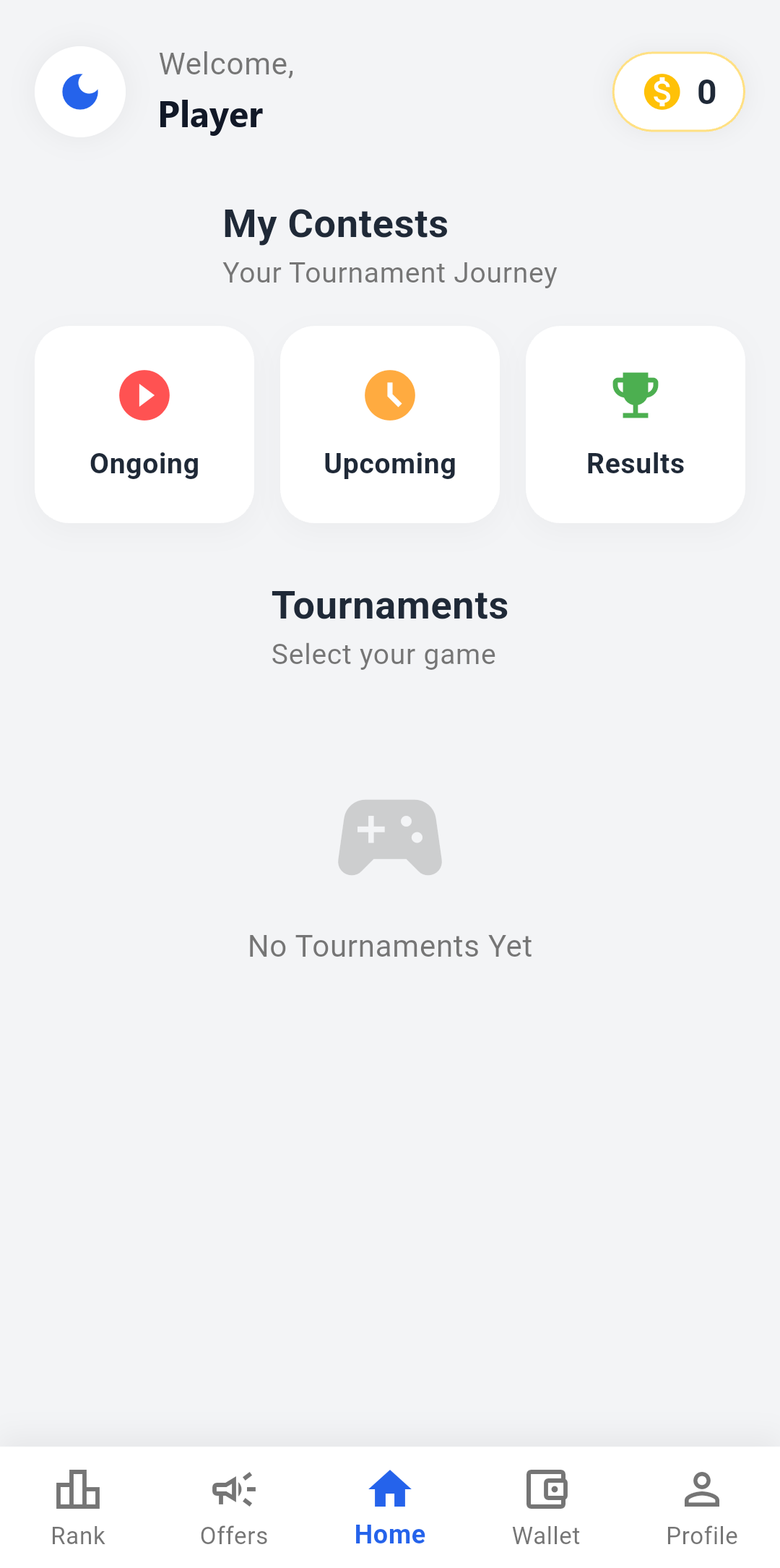
Everything you need to compete & win
Simple screens, clear rules and a wallet you can trust.
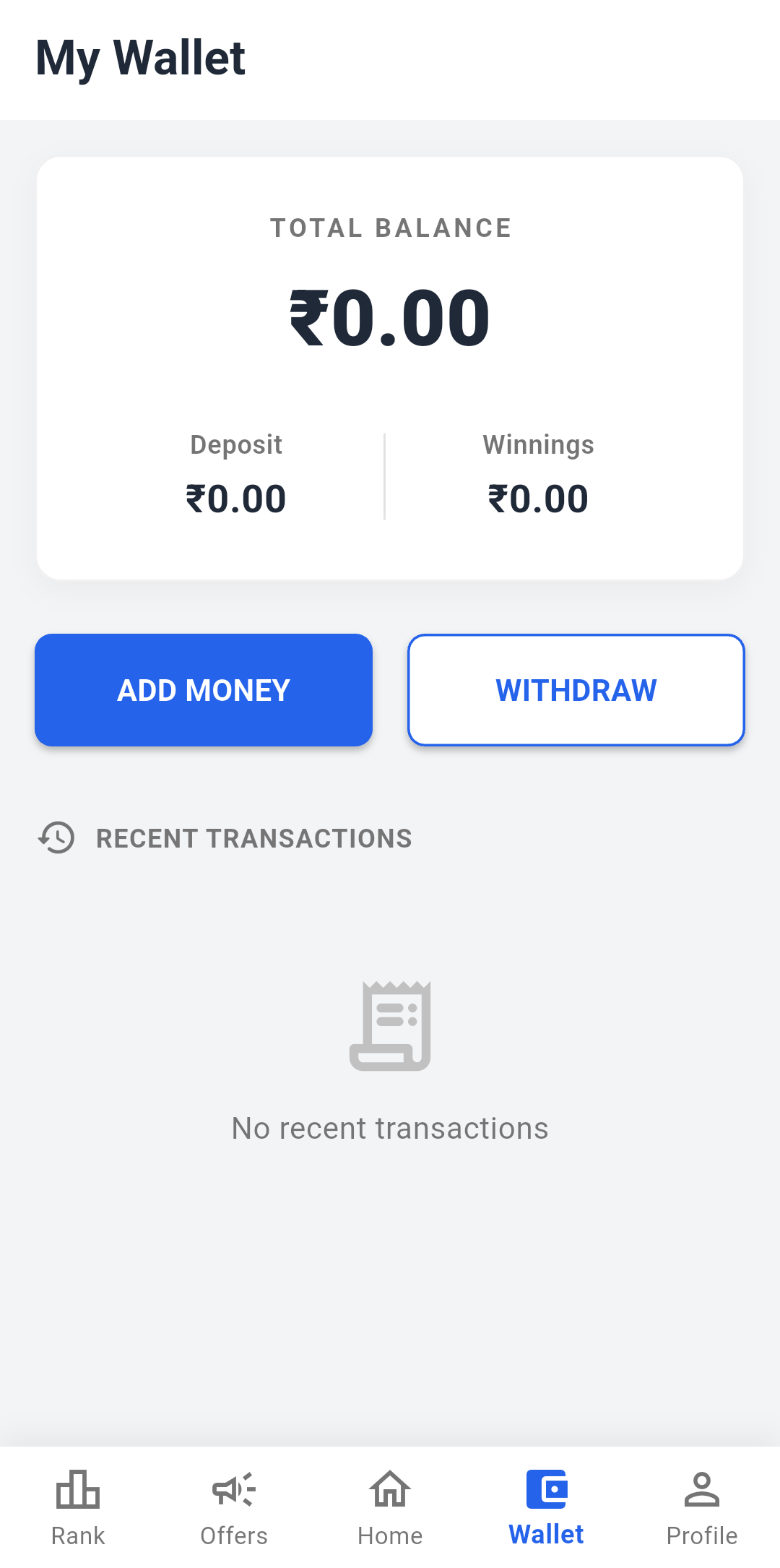
A wallet that shows the truth
Add money, see your deposit and winnings separately, and follow each transaction as Pending, Successful or Failed. No guesswork.
Matches every day
Pick the mode you love and jump into a new tournament any time.
Choose your exact slot
See which slots are free and book yours. Full matches are clearly marked, so every seat is fair.
Fast withdrawals
Send your winnings to any UPI ID in a few taps.
Never miss a match
Get notified when room details are out.
Refer & earn
Invite your squad and earn rewards together.
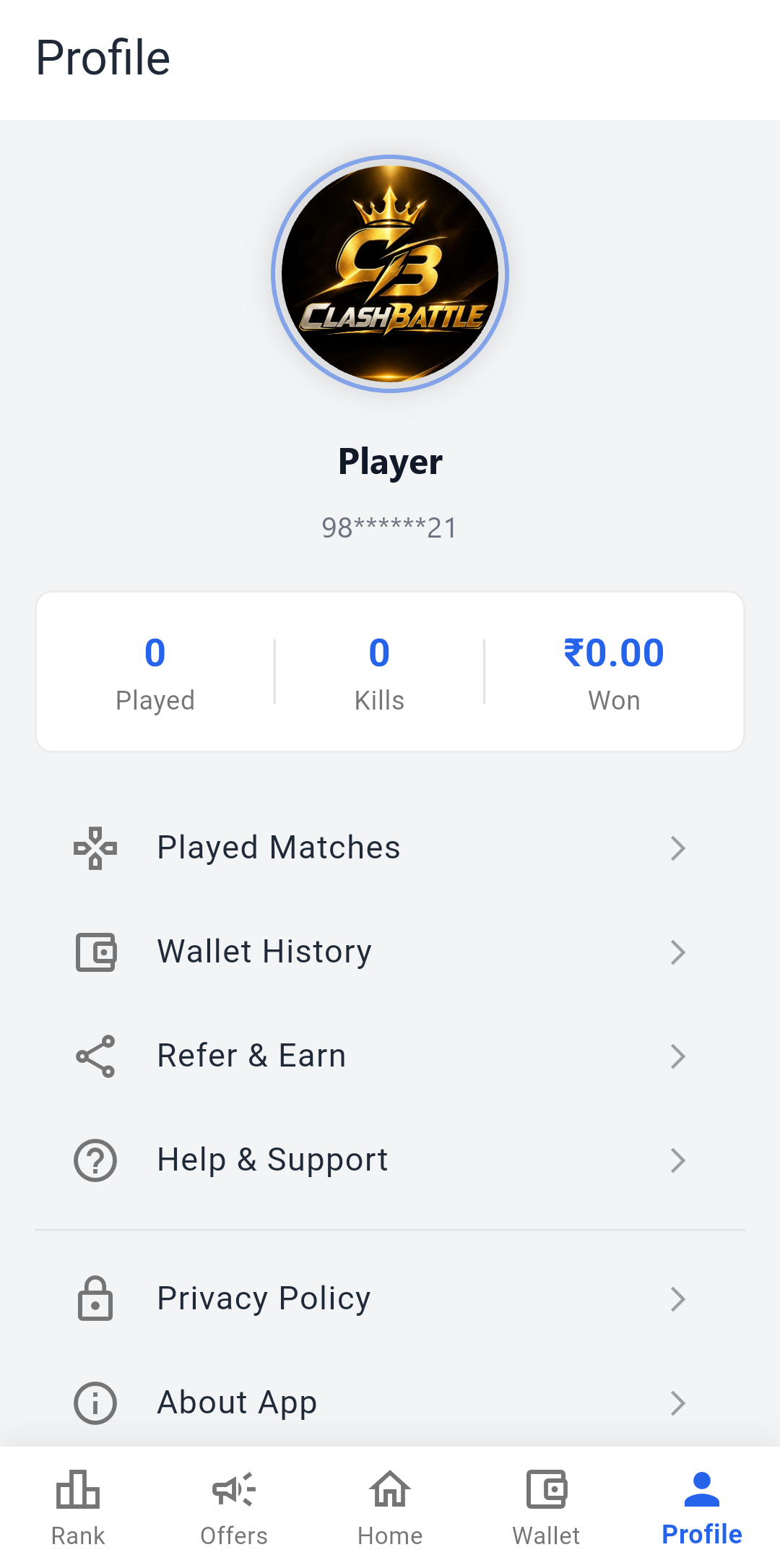
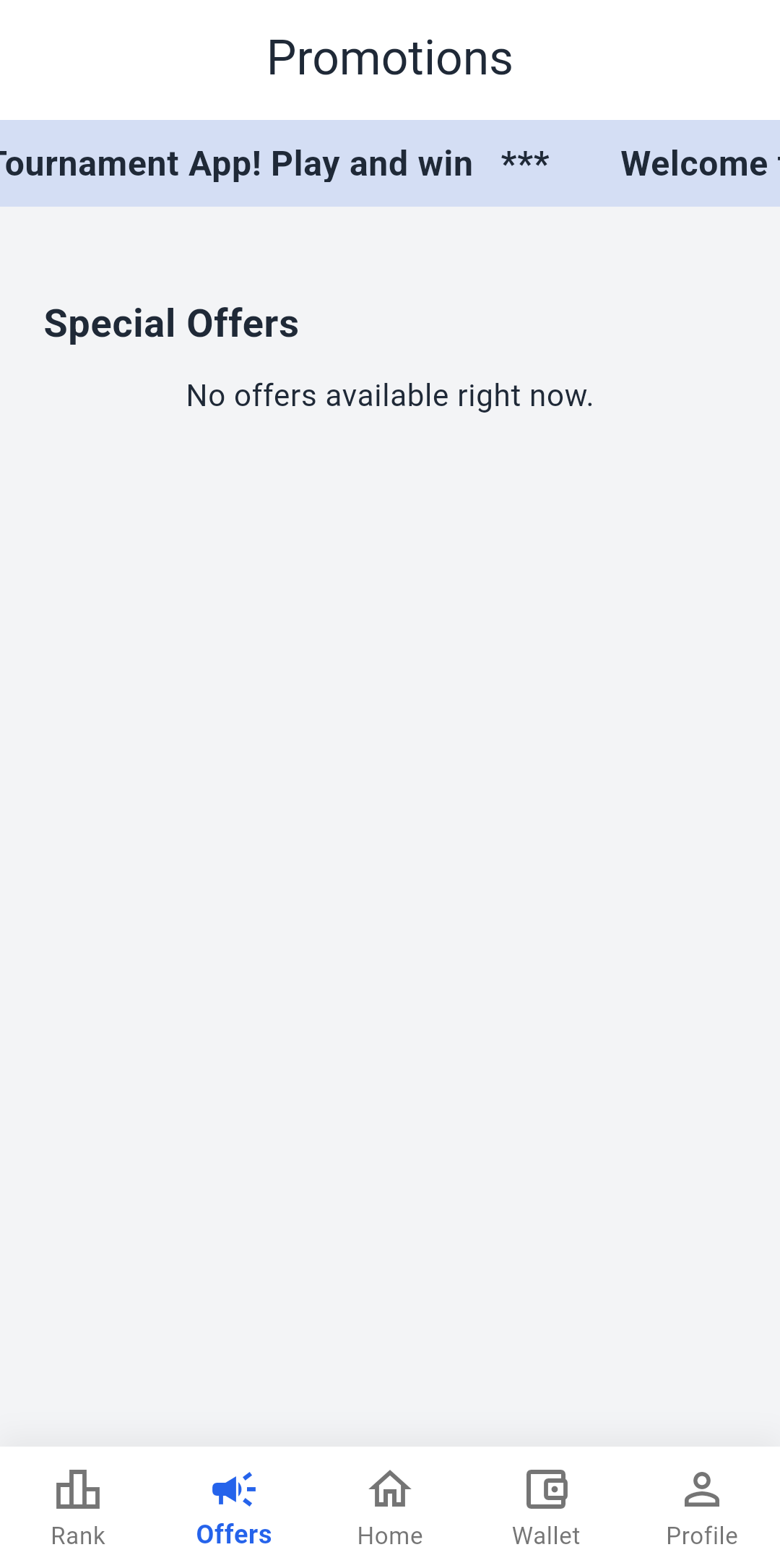
Clean, fast and easy to use
Swipe to take a look inside the app.
Install in 4 easy steps
Takes less than a minute. Follow these steps on your Android phone.
Tap Download
Tap the "Download for Android" button on this page. The APK file starts downloading.

Open the file
When it finishes, tap the download notification, or open it from your Files / Downloads app.
Allow installation
If Android asks, open Settings and turn on "Allow from this source" for your browser, then go back.
Install & play
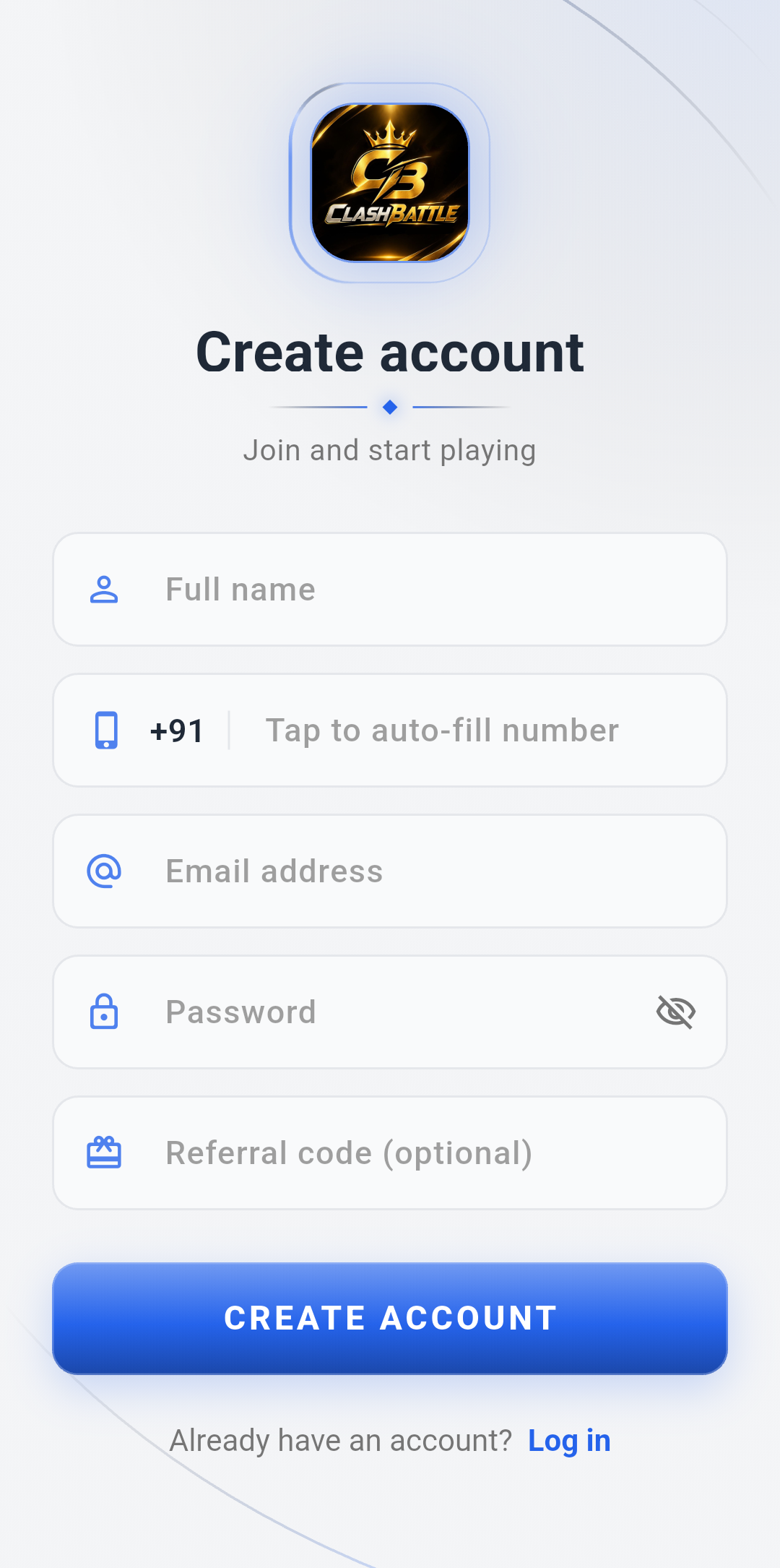
Tap Install, open ClashBattle, create your account and join your first match.
Do you want to install this app?Get ClashBattle on your phone
Download the latest version and start playing tournaments today. It's free to install.
Verify file (SHA-256)
b649a1593e0bba9003e2e811e3e7ae1e907c80c7d372c36d94f1f174d408ee9f
 On a computer?
Scan with your phone camera to download
On a computer?
Scan with your phone camera to download
Questions? We've got answers
Is ClashBattle safe to install?
Yes. This is the official app, signed with the ClashBattle release key. Download it only from clashbattle.site so you always get the genuine version.
Why isn't it on the Play Store?
Cash tournament apps are shared directly as an APK. That's why Android asks you to allow the install once. It's a normal step and only takes a few seconds.
How do I join a tournament?
Open the app, choose a game, pick an upcoming match and book an open slot. The room ID and password show up in the app before the match starts.
How do I withdraw my winnings?
Go to Wallet, tap Withdraw, enter the amount and your UPI ID. You can follow the status of every request in Wallet History.
Which phones are supported?
Any Android phone running Android 7.0 or newer, with about 150 MB of free space.
How do I update the app?
When a new version is out, the app tells you. Just download it from this page and install it over the old one. Your account stays the same.